
What is Xbox Game Pass?
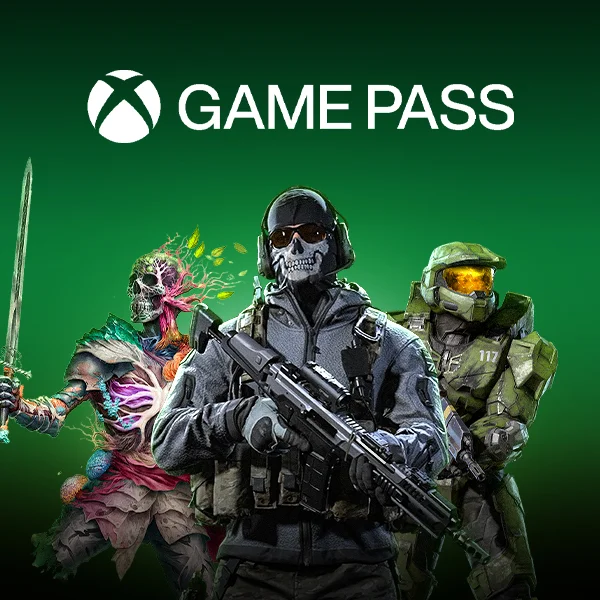
Xbox Game Pass is Microsoft’s subscription model for the gaming audience. It offers many consoles, Windows PC, and even mobile features for selected regions with cloud play. The game pass offers over 100+ handpicked games from various publishers. Also, it offers Day 1 release of major titles including Call of Duty Black Ops 6, Stalker, Microsoft Flight Simulator and much more.
Steps to Follow
- Xbox:
- Sign in to your Xbox console (make sure you’re signed in with the Microsoft account you want to redeem the code with).
- From the Home screen, select and open the Store app. (If the Store app is not displayed, go to My games & apps, select Apps, and select the Store app from there.)
- In the Store app, move the cursor left or press the View button on the controller to open the side menu.
- From that menu, select Redeem.
- Enter the 25-character code, and then follow the prompts. Don’t worry about hyphens, the system takes care of those for you.
- Enjoy your XBox Game Pass
- PC:
- Go to Microsoft redeem page
- Log in into your microsoft account if not already logged in
- Enter the 25-character code, and then follow the prompts. Don’t worry about hyphens, the system takes care of those for you.
- Enjoy your Game Pass